
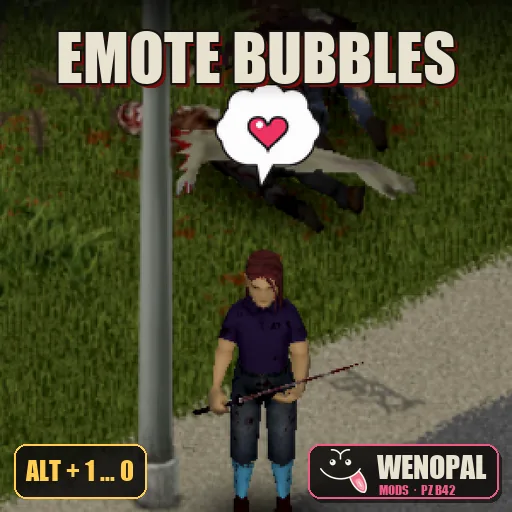
Remember the emotes from Ragnarok Online? You pressed Alt + a number and a white cloud popped up over your head with an animated face inside: the ! of surprise, the ?, the heart, the sweat drop, the "GG"... Half the server talked with nothing else. Now they're in Project Zomboid.
20 animated emotes (emoji, emoticons, reactions) in RO-style speech bubbles, with the same hotkeys as the original.
Say hi without typing, warn your group that a horde is coming, throw a heart at your buddy or celebrate with a GG after clearing a house. In multiplayer, everyone nearby sees them.
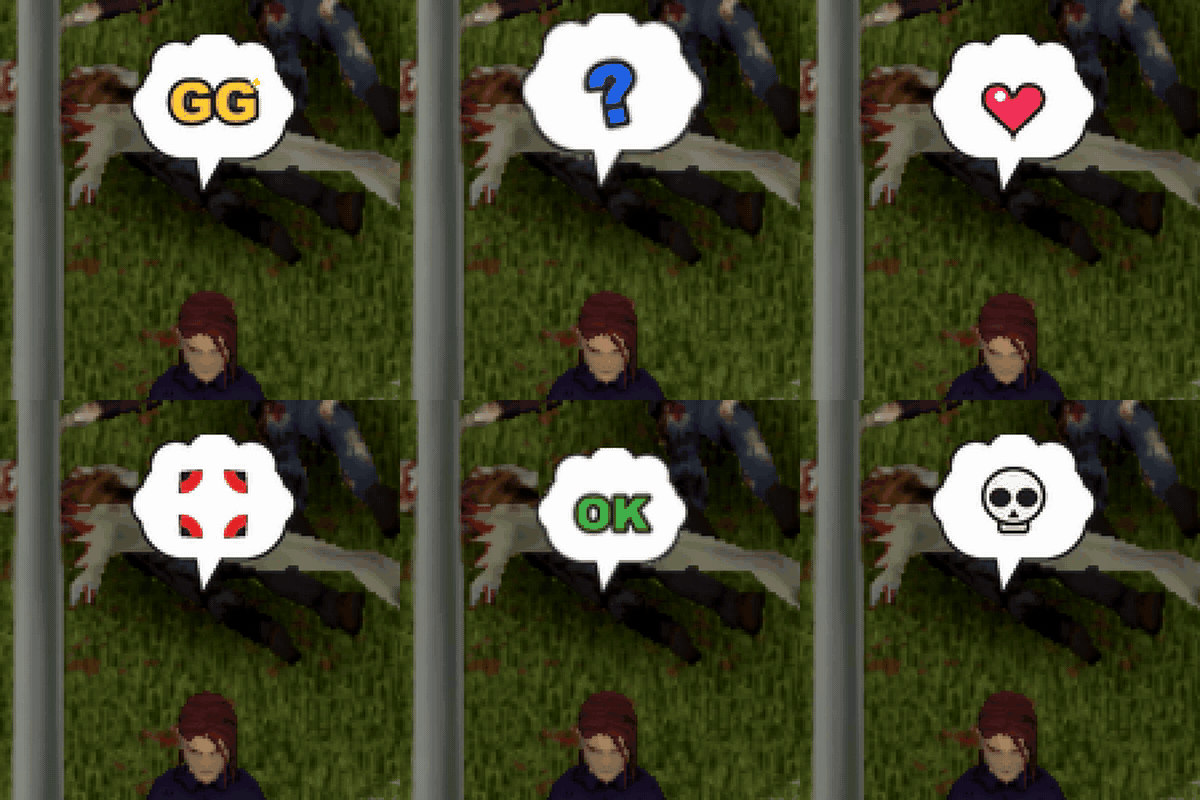
⌨️ How to use
- Alt + 1 … 0: the 10 classic emotes.
- Alt + Shift + 1 … 0: 10 faces.
- The bubble pops up over your head, animates for about 3 seconds and fades out.
- While Alt is held, the hotbar does not switch your weapon. Emotes are also ignored while you type in chat.
💬 The 20 emotes
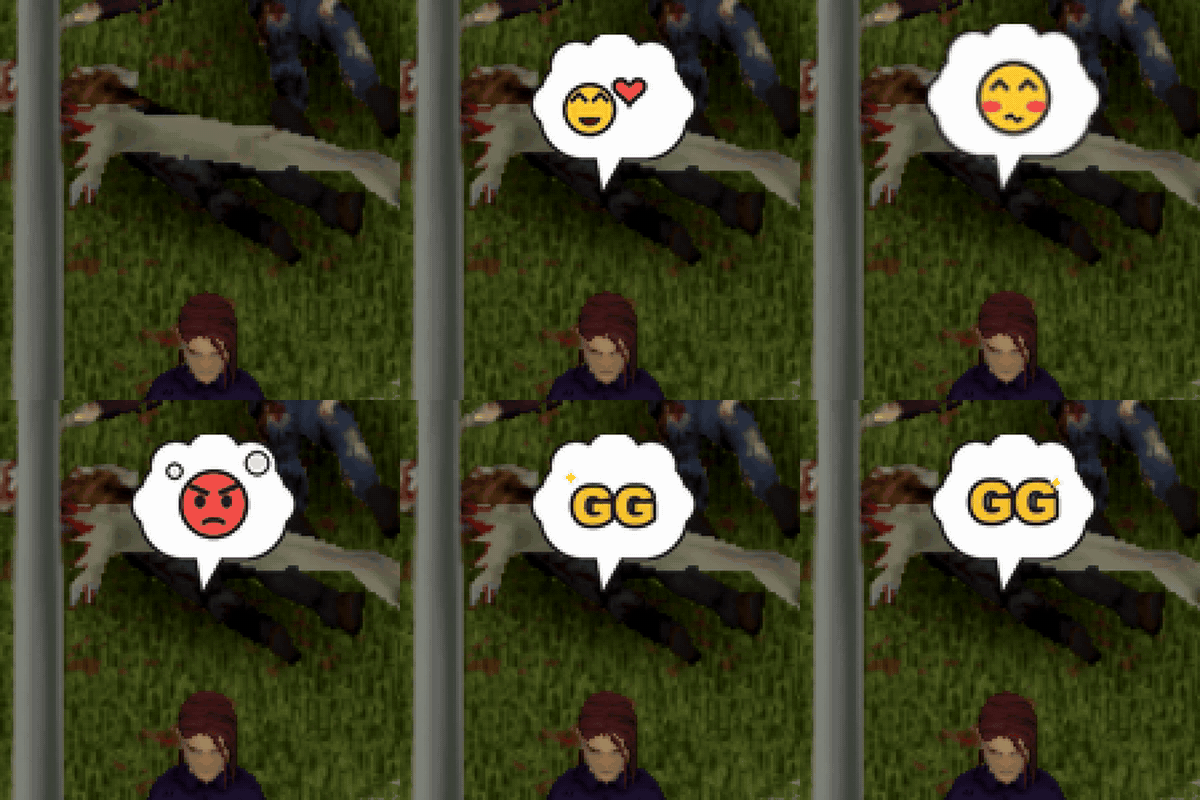
| Key | Alt + … | Alt + Shift + … |
|---|---|---|
| 1 | ❗ Surprise (jumps) | 😘 Kiss (with a tiny heart) |
| 2 | ❓ Confused (tilts) | 💘 Throws a heart |
| 3 | ❤️ Heart (beats) | 😭 Crying a river |
| 4 | 💧 Sweat drop | 😲 Shocked |
| 5 | 💢 Anger mark | 😊 Blushing |
| 6 | 🎵 Humming | 😜 Tongue out |
| 7 | 💤 Sleepy | 😡 Furious (steaming) |
| 8 | 👌 OK | 😎 Sunglasses |
| 9 | 😆 Laughing to tears | 💭 … (speechless) |
| 0 | 💀 We're dead | 🏆 GG |
🛠️ Details
- Original artwork made in the Ragnarok style: a white speech cloud with an animated emote inside.
- No items, no gameplay changes: just the bubbles. Safe to add to or remove from a save at any time.
- On servers, the server validates every emote and rate-limits it (nobody can flood the screen with bubbles).
🎭 Great for servers and roleplay
- Talk without typing: mid-fight there's no time for chat. A ! or a 💀 says it all.
- Silent: unlike shouting (Q), bubbles make no noise and don't attract zombies. Warn your group without giving yourself away.
- Roleplay: reactions and expressions for your character (kiss, blush, crying, furious...).
❓ FAQ
- Does it work in singleplayer? Yes, and in multiplayer every nearby player sees them.
- What does a server need? Just add it to the mod list; players download it automatically when joining.
- On Mac? Alt is the Option key.
- Is it compatible with other mods? Yes. It doesn't touch items, recipes or zombies; it only stops the hotbar from switching weapons while Alt is held.
Missing your favorite RO emote? Ask in the comments and I'll add it.
Compatibility
| Version | Build 42 |
|---|---|
| Singleplayer | ✔ |
| Multiplayer | Not tested yet |
| Existing saves | ✔ Can be added |
| Requires | Nothing, works on its own |
| Languages | Spanish, English |